Creative Agent
Stop paying for ads that already stopped working.
The Creative Agent watches every paid ad in your stack and tells you which ones are burning out — weeks before performance crashes, in time to actually do something about it.
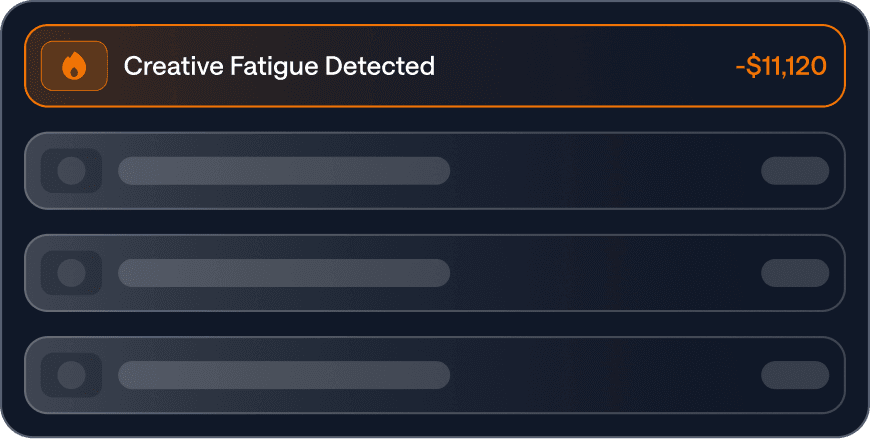
Stop subsidising creative that's already lost.
By the time the platform flags fatigue, the spend is already gone. The agent catches it weeks earlier and ranks every problem by what it's costing you this week, so the biggest leaks top Monday's list instead of hiding four dashboards deep.
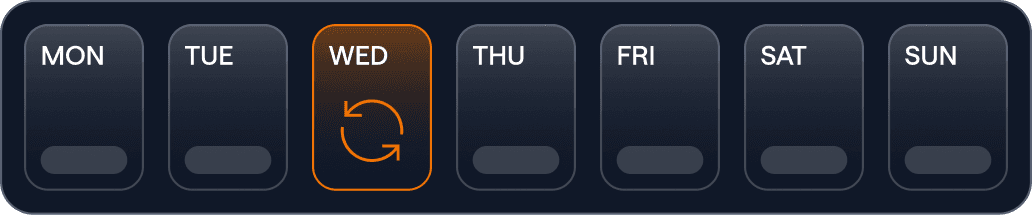
Know your real refresh cadence per platform.
One refresh schedule across every channel is almost always wrong somewhere. TikTok burns creative 2-3x faster than Meta; PMax hides the decay in the middle. Get a cadence per platform, backed by your data.
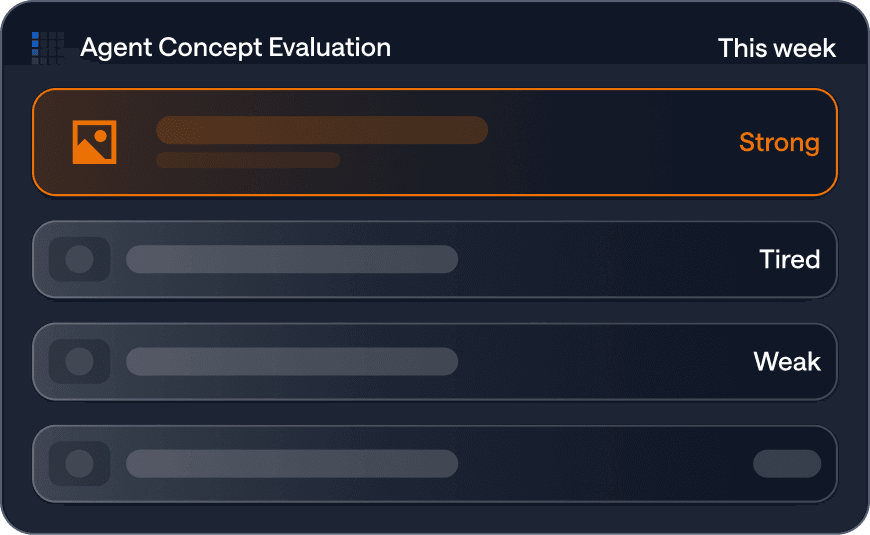
Brief production on what'll actually work next.
Instead of "ship four videos this month," the agent shows what's working, what's tired, and where the next variant pays off. No more budget on refreshes nobody needed.
Most fatigue tools tell you something is wrong. The Creative Agent tells you what to do.
Refreshing creative when the real problem is bidding is expensive. Adjusting bids when the real problem is audience exhaustion is futile. A "fatigued" label tells you something is wrong — it doesn't tell you what. The agent recognises four reasons creative stops working, each with a different fix.

Your audience is tired
People have seen this ad too many times. → Refresh the creative.
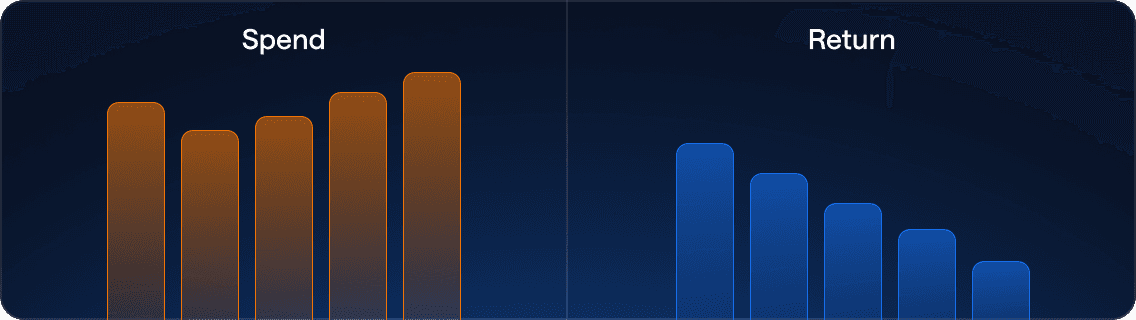
The algorithm is punishing you
The platform's relevance score has decided your ad isn't earning the impression. → Improve relevance, or replace.

The auction got harder
The creative still works; competition just walked in. → Adjust bidding, not creative.
Something else broke
Landing page, conversion path, market — something external changed. → Investigate before refreshing.

Install the BlueAlpha MCP to query the Creative Agent from any AI assistant: pull this week's pause/refresh/scale list, ask why an ad is declining, and push approved actions straight back. Zero friction.
Questions
What teams ask us first.
Don't the ad platforms already tell me when creative is fatiguing?
Isn't this just a frequency cap?
Can the agent kill ads automatically?
We already have an MMM. Why do I need this separately?